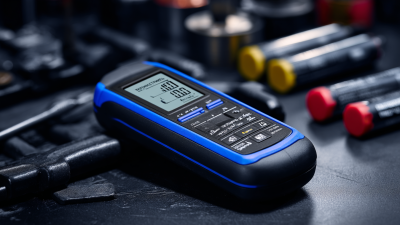
Top Tips for Using a Battery Health Tester to Extend Your Device's Lifespan
In an age where our devices play a crucial role in daily life, understanding how to maintain their longevity is more important than ever. One effective tool in this maintenance routine is the Battery Health Tester. This device allows users to assess the health and performance of their batteries, providing valuable insights into their lifespan and overall efficiency. By utilizing a Battery Health Tester, individuals can identify potential issues before they escalate, enabling proactive measures that can prolong the life of their devices.
The process of using a Battery Health Tester is straightforward and provides essential data that can guide users in making informed decisions about battery care and replacement. Regular testing can help pinpoint when a battery begins to lose its effectiveness, allowing for timely interventions. This not only enhances device performance but also contributes to a more sustainable approach by reducing waste and unnecessary replacements. By incorporating regular battery health checks into your routine, you can maximize the lifespan of your devices and ensure they serve you efficiently for as long as possible.
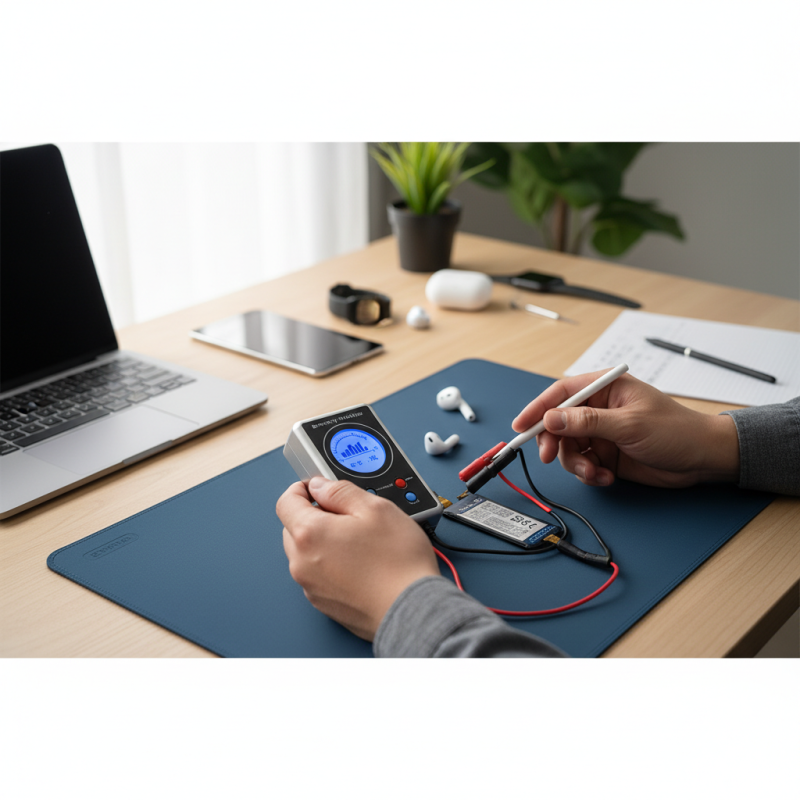
Understanding Battery Health Testers: What They Are and Why Use Them
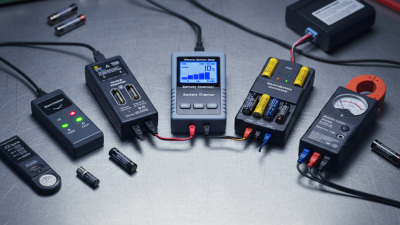
Battery health testers are essential tools for anyone looking to maintain and extend the lifespan of their devices. These testers provide valuable insights into the current state of a battery, measuring key metrics such as charge capacity, voltage, and overall health. By understanding these parameters, users can make informed decisions on how to care for their batteries, whether it involves optimizing charging habits or knowing when it's time for a replacement.
Utilizing a battery health tester allows users to diagnose battery-related issues effectively. Often, devices may exhibit signs of battery degradation without obvious indicators. A battery health tester empowers users to pinpoint problems early, thereby preventing further damage. Regular testing can reveal patterns in battery performance and help users identify factors that may be contributing to reduced battery life, such as excessive heat or unreliable charging methods. By addressing these issues promptly, users can enhance their devices' longevity and reliability.
How to Choose the Right Battery Health Tester for Your Device
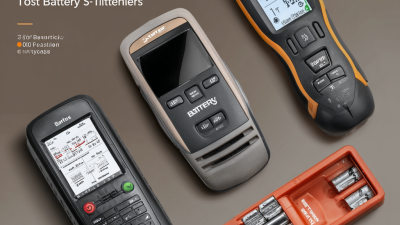
When selecting a battery health tester for your device, the first consideration should be compatibility. Each device has unique battery specifications, so it’s crucial to ensure that the tester you choose can effectively assess its health. Look for devices that explicitly list compatibility with the make and model of your device, as this will ensure accurate readings.
Another important factor is the features offered by the battery health tester. Some testers provide detailed analytics, such as charge cycles, battery capacity, and voltage levels. These insights can be invaluable for understanding your battery's performance and making informed decisions to enhance its longevity. Additionally, consider testers that are user-friendly with clear interfaces, making it easier to interpret the results without technical jargon.
Tips for using a battery health tester effectively include regularly monitoring battery status to track performance changes over time. Establishing a routine check can help identify potential issues early, allowing you to take proactive measures before problems worsen. Additionally, always ensure that your device’s software is up-to-date, as this can affect battery performance and, in turn, the accuracy of the tester’s readings.
Step-by-Step Guide to Testing Your Battery's Health Accurately
Using a battery health tester can significantly impact the longevity of your devices. To accurately assess your battery's condition, it's essential to follow a systematic approach. Start by ensuring that your device is charged to at least 50%. Many batteries exhibit inaccurate results if they're too low. Once you’ve set the stage, connect your battery health tester according to the manufacturer's instructions. A good tester will provide essential metrics, such as voltage and charge cycles, helping you determine whether your battery is functioning optimally.
It’s important to recognize that, according to industry reports, nearly 70% of smartphone users experience battery degradation within two years of regular use, negatively impacting their device's overall performance. Therefore, proactively testing your battery can help you avoid unexpected shutdowns. After taking initial readings, consider monitoring your battery health every few months. Keeping an eye on voltage stability and anomaly detection can alert you early to potential problems.
When using the tester, always document your findings. This practice will allow you to track the battery's decline over time, guiding your decisions on replacements or repairs. Experts recommend replacing batteries that drop below 80% capacity to maintain optimal device performance. By staying informed and proactive, you can extend the lifespan of your devices effectively.
Interpreting Battery Health Results: Key Indicators to Monitor
When using a battery health tester, it’s essential to understand the key indicators that reveal the state of your device’s battery. One of the most important metrics is the battery's capacity, represented as a percentage of the original capacity. A decline in this number can indicate wear over time, signaling that it may be time for a replacement. Additionally, monitoring the cycle count—the number of complete charge and discharge cycles the battery has gone through—provides insight into its lifespan. Batteries typically have a predetermined number of cycles, and exceeding this limit can lead to diminished performance.
Another critical aspect to pay attention to is the internal resistance of the battery. Higher resistance values can lead to inefficiencies during charging and discharging, which might result in slower performance or quicker drain of your device. Furthermore, temperature during usage is a vital sign; if the battery health tester indicates elevated temperatures, this could signal potential issues that, if left unaddressed, could shorten the battery's lifespan. By regularly interpreting these battery health results, users can take proactive measures to ensure their devices operate efficiently and extend their overall longevity.
Battery Health Indicators
This bar chart illustrates key indicators to monitor for battery health, including cycle count, voltage, temperature, capacity, and internal resistance. Keeping these metrics in check will help you extend your device's lifespan.
Tips for Maintaining Your Device's Battery Life Post-Testing
To maintain your device's battery life post-testing, it's crucial to implement a series of best practices that can significantly prolong the lifespan of your battery. First, regularly monitor your battery health using the tester and watch for any sudden degradation. Keeping the battery level between 20% and 80% is an ideal practice to reduce stress on the battery. This range helps in minimizing the wear on the lithium-ion cells, ensuring they don’t fully discharge or stay at maximum charge for too long.
In addition to monitoring charge levels, optimize your device settings to enhance battery longevity. Dimming the screen brightness, disabling unnecessary background apps, and turning off location services when not in use can make a remarkable difference in your battery's performance. Moreover, consider scheduling power-hungry activities, such as updates or intensive gaming, for times when the device is plugged in. By adopting these habits, you can create a more sustainable environment for your device's battery, ensuring it remains efficient and reliable for a longer period.
Top Tips for Using a Battery Health Tester to Extend Your Device's Lifespan - Tips for Maintaining Your Device's Battery Life Post-Testing
| Tip |
Description |
Frequency |
Impact on Battery |
| Check Battery Health |
Use a battery health tester to check the capacity and condition of your battery. |
Every 3 months |
Identifies battery degradation early |
| Maintain Optimal Charging |
Keep charger within the recommended voltage and avoid overcharging. |
Daily |
Preserves battery lifespan |
| Reduce Heat Exposure |
Keep the device away from direct sunlight and heat sources. |
Continuous |
Prevents thermal stress on battery |
| Update Software Regularly |
Ensure the device's operating system and apps are up to date. |
Every month |
Improves performance and battery management |
| Calibrate Battery Periodically |
Fully charge and then completely discharge the battery once every few months. |
Every 4 months |
Ensures accurate battery level readings |

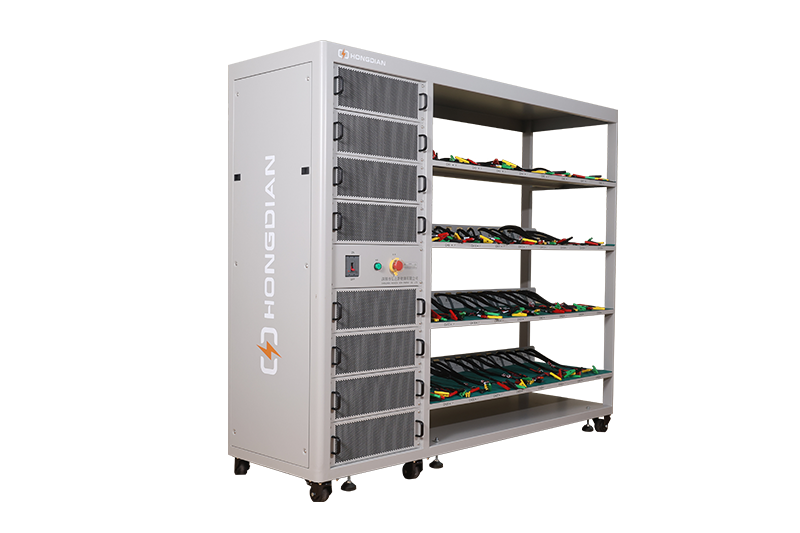 32/48 channel battery charging and discharging test integrated battery cabinet
 40 channel battery charging and discharging test integrated battery cabinet
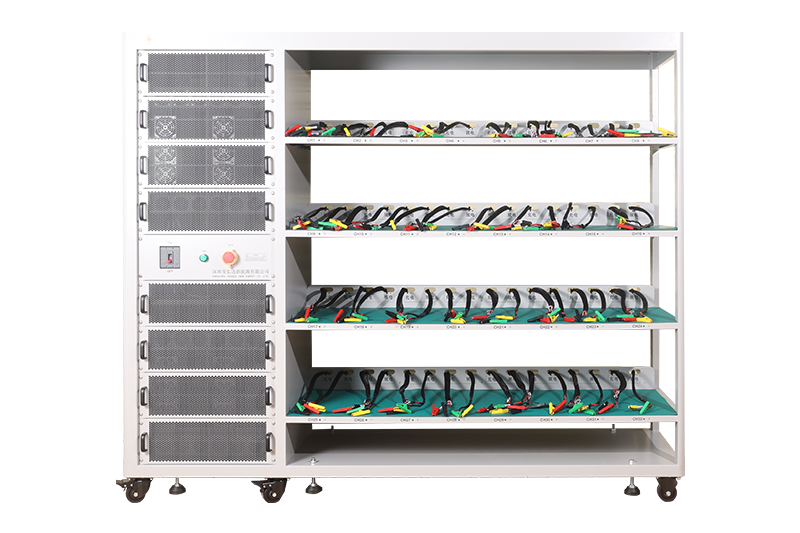 64 channel battery charging and discharging test integrated battery cabinet
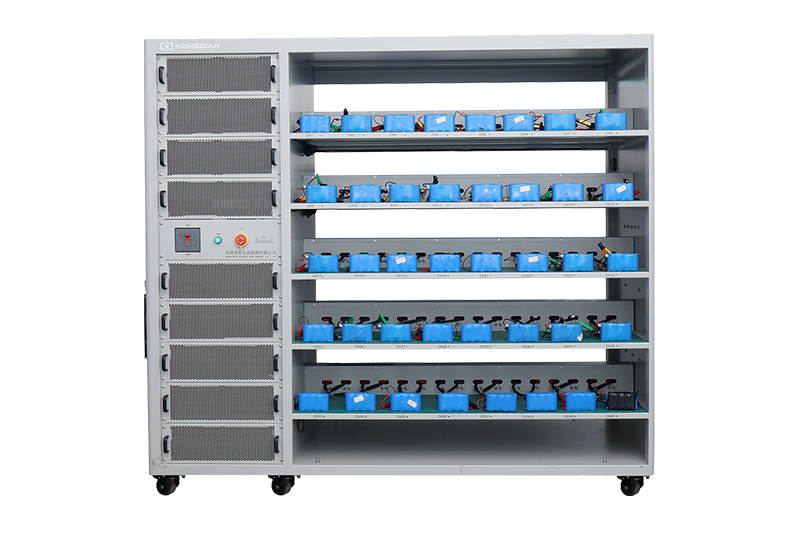 80 channel battery charging and discharging test integrated battery cabinet
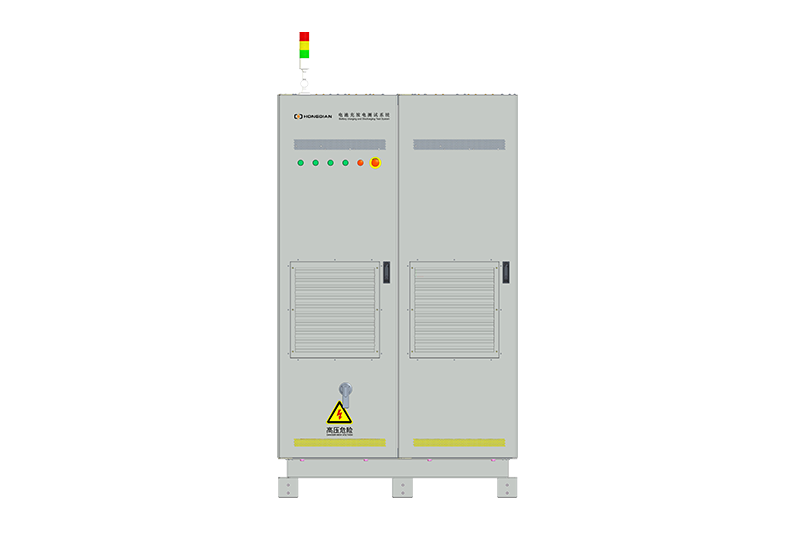 1000V-1500V High Voltage High Current Battery Testing System
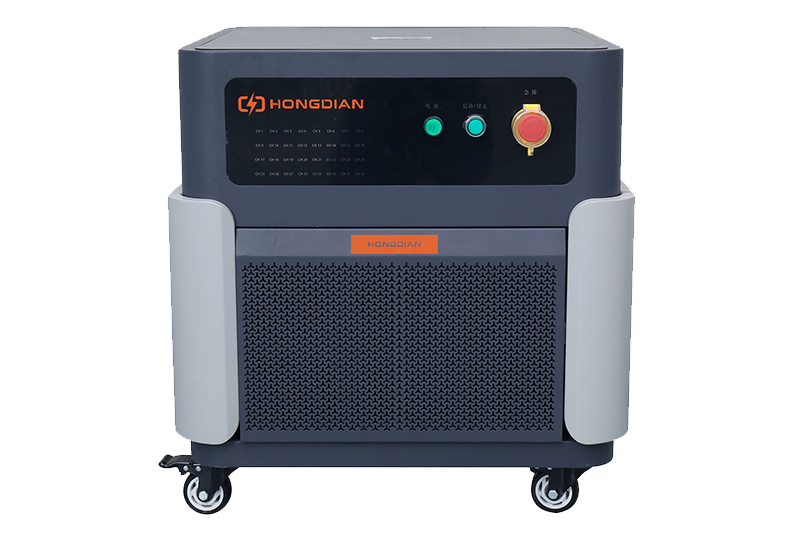 High-Precision Battery Testing System for Enhanced Performance Monitoring 30V/60V/100V/120V
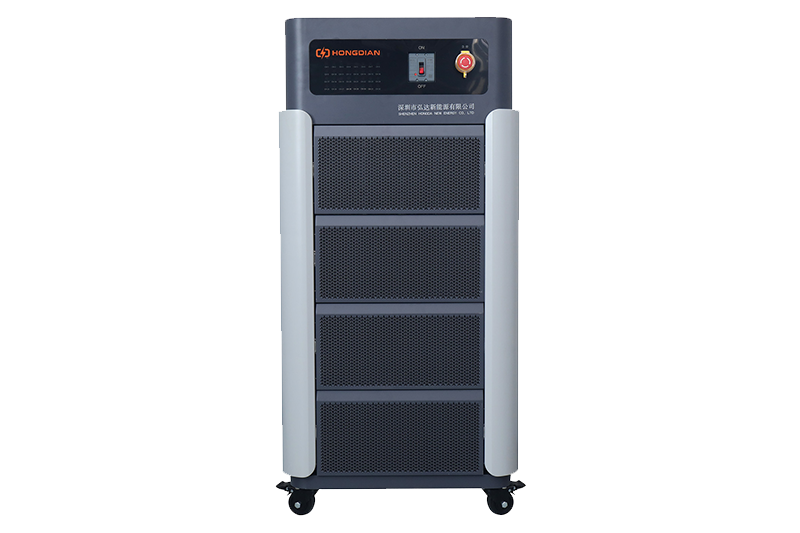 High-Precision Battery Charge Discharge Test Systems for EV Manufacturers
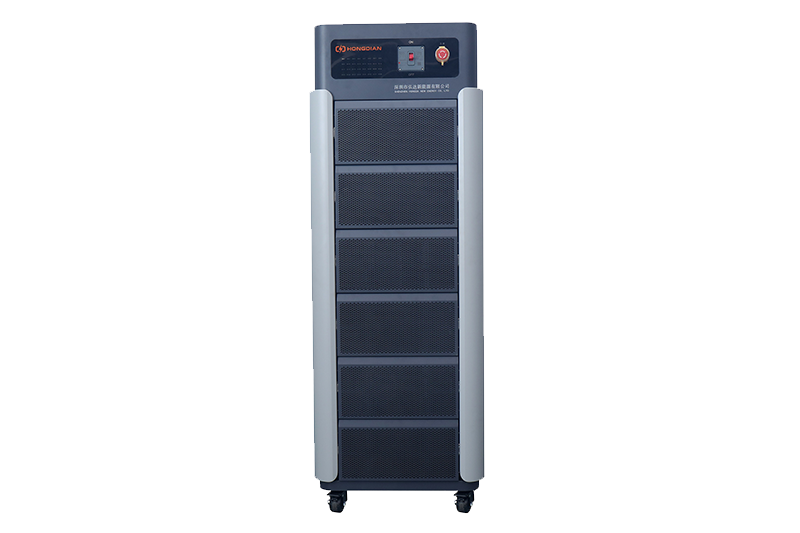 Precision Battery Test Racks for Cell Capacity & Internal Resistance Measurement
 Multi-Channel Battery Testing Equipment for Parallel Performance Analysis