How to Use a Battery Status Checker to Maximize Battery Life on Your Device
In an age where our devices have become indispensable, ensuring their longevity is more crucial than ever. One of the key factors in maximizing the lifespan of our devices is understanding and monitoring the health of their batteries. A valuable tool for this purpose is a Battery Status Checker, which provides insights into the current state of your device's battery. By utilizing such a tool, users can gain a clearer perspective on their battery's performance, identify potential issues, and make informed decisions regarding charging and usage patterns.
The Battery Status Checker simplifies the process of battery management. It allows users to track essential metrics such as charge cycles, current charge level, and overall battery health. Equipped with this information, device owners can adopt strategies to extend their battery life, such as avoiding overcharging or recognizing when it’s time for a replacement. By consistently monitoring these metrics, one not only enhances the performance of their device but also contributes to sustainable usage practices.
Ultimately, leveraging a Battery Status Checker empowers users to take proactive steps in battery maintenance. It fosters a deeper understanding of battery behaviors, leading to more efficient device management and an extended lifespan. Embracing this technology is a step towards responsible device ownership, ensuring that our essential gadgets remain reliable companions in our daily lives.
Understanding Battery Chemistry: Types and Their Lifespan Impact
Battery chemistry plays a crucial role in determining the lifespan and efficiency of your device's battery. The most common types of rechargeable batteries include lithium-ion, nickel-metal hydride (NiMH), and lead-acid.
Lithium-ion batteries, which are prevalent in smartphones and laptops, offer the best energy density and longevity. They can typically last between 2 to 3 years, depending on usage patterns. In contrast, NiMH batteries are often found in older devices and tend to have a shorter lifespan, usually lasting around 1 to 2 years. Understanding these variations in battery chemistry can help users select the right device for their needs and manage their battery life effectively.
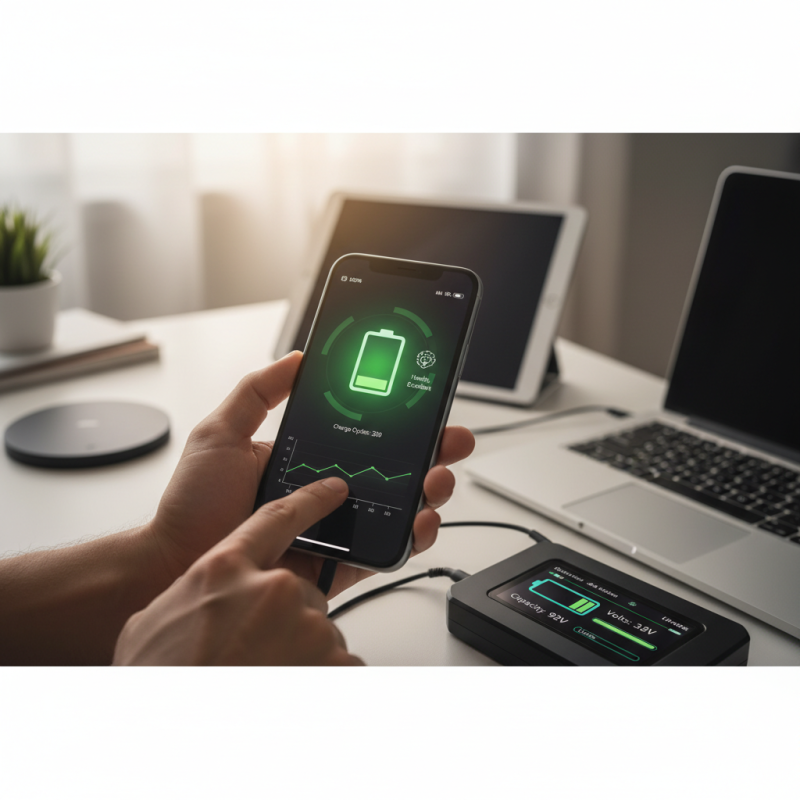
To maximize battery life, consider implementing a few simple tips. First, avoid exposing your device to extreme temperatures, as high heat can degrade battery health rapidly. Additionally, aim to keep your battery charge between 20% and 80% instead of fully draining or constantly charging to 100%. This practice helps maintain the battery's health over time. Lastly, utilize a battery status checker regularly to monitor your battery's condition; many devices offer built-in tools or apps that can provide insights into battery health and usage patterns, allowing for informed decisions about charging and device usage.
By understanding the types of battery chemistry and following practical tips to maintain optimal charge levels, you can extend the longevity and performance of your device's battery, ensuring reliable use over time.
The Importance of Regular Battery Status Checks for Device Longevity
Regular battery status checks are essential for maintaining the longevity of your devices. According to a study by the Battery University, improper battery management can lead to a reduction in battery life by over 20%. Monitoring key indicators such as charge cycles, temperature, and discharge rates can help users identify potential issues early on. By checking battery health regularly, users can prevent deeper degradation caused by prolonged charging habits or extreme temperatures, which can significantly shorten a battery’s overall lifespan.
Moreover, a report from the International Energy Agency suggests that consumer electronics contribute to a substantial portion of global energy consumption, with batteries often accounting for significant energy inefficiencies. Utilizing a battery status checker allows users to optimize their devices' performance by keeping batteries in the best possible condition. Regular checks can also alert users to when it's time for a replacement, ensuring devices run optimally rather than being hampered by failing batteries. This proactive approach not only enhances user satisfaction but contributes to more sustainable usage patterns in an era where energy efficiency is increasingly important.
How to Interpret Battery Health Metrics: Capacity and Cycle Count
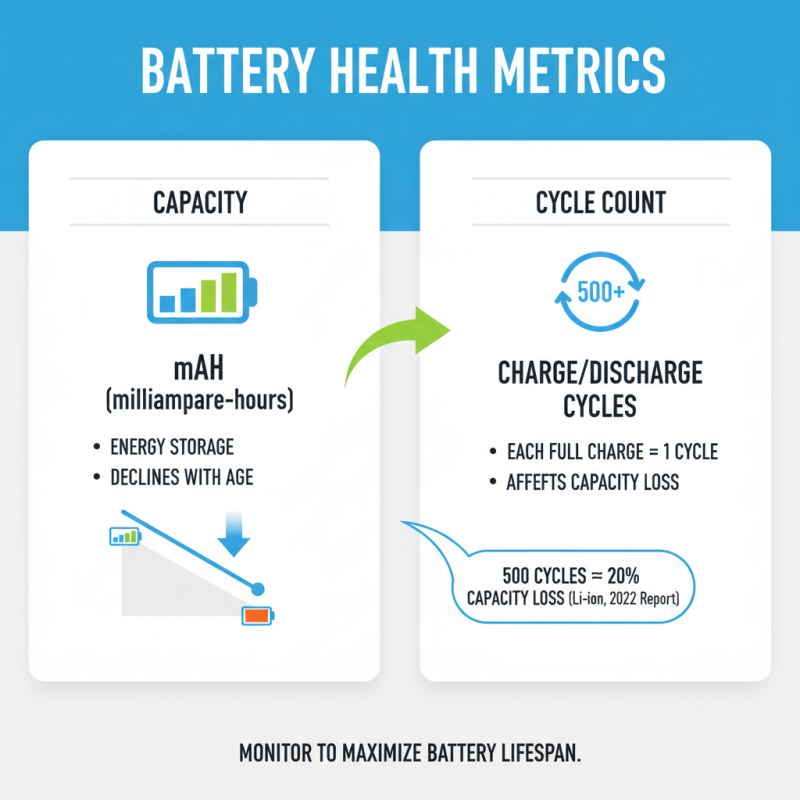
Understanding battery health metrics, particularly capacity and cycle count, is crucial for maximizing the lifespan of your device's battery. Capacity, typically measured in milliampere-hours (mAh), indicates the amount of energy a battery can store. As batteries age, their capacity diminishes due to chemical reactions that occur during charging and discharging. According to a 2022 industry report, lithium-ion batteries generally lose about 20% of their capacity after 500 charge cycles. Thus, monitoring this decline is essential to gauge battery performance accurately.
Cycle count refers to the number of complete discharge and recharge cycles a battery has undergone. A higher cycle count indicates that the battery has been used extensively, which can lead to shortened overall lifespan. For instance, research suggests that batteries can last anywhere from 300-1000 cycles, depending on usage patterns and charging habits. Understanding these metrics allows users to take proactive steps in preserving battery health.
Tips for maintaining optimal battery performance include avoiding extreme temperatures, which can accelerate capacity loss, and utilizing partial charging—keeping charge levels between 20% and 80% can significantly extend battery lifespan. Additionally, regular monitoring of these health metrics with a battery status checker enables users to identify when it’s time to replace a battery before it impacts device performance.
Best Practices for Optimizing Battery Performance Based on Status Reports
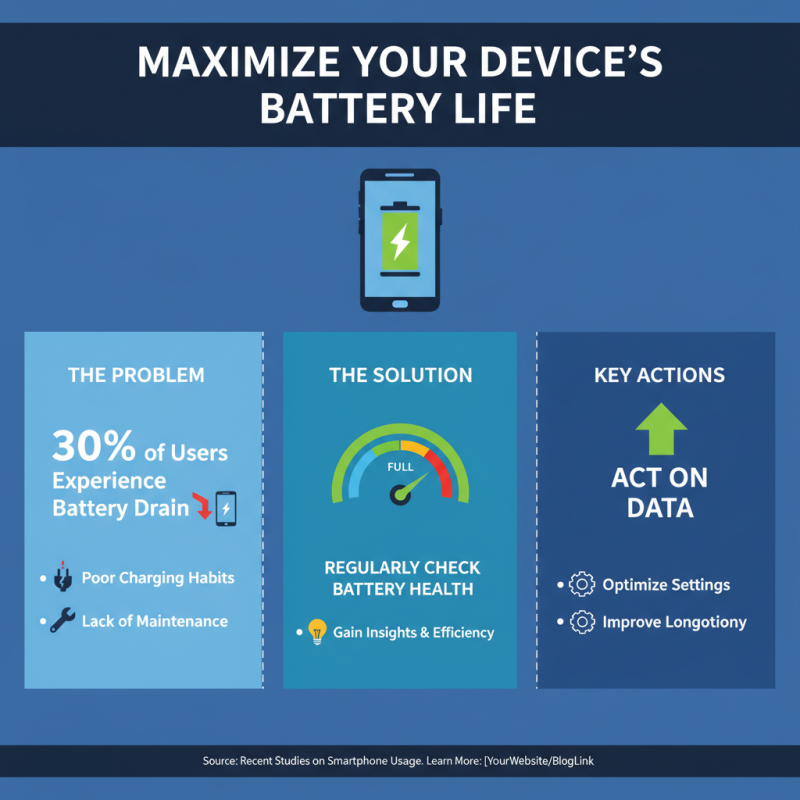
To maximize battery life on your device, understanding and utilizing a battery status checker is essential. Recent studies highlight that nearly 30% of smartphone users experience battery drain issues, often due to poor charging habits and lack of maintenance. By regularly checking battery health, users can gain insights into the overall efficiency of their device's power management system. The most effective way to enhance battery performance is to act based on the data presented in these status reports.
Implementing best practices, such as avoiding complete discharges and keeping the battery between 20% and 80% charged, is crucial. According to research from the Battery University, maintaining this range can extend a lithium-ion battery's lifespan by up to 200 charges. Additionally, monitoring the temperature of your device can lead to better battery management; batteries perform optimally at temperatures between 20°C and 25°C. Keeping your device within this temperature range and avoiding high-performance applications when the device is overheating can significantly reduce wear and tear on the battery, hence maximizing its longevity. Utilizing a battery status checker as a regular tool in your device maintenance routine can lead to smarter usage and improved battery performance over time.
Tools and Software Recommended by Experts for Monitoring Battery Health
Monitoring battery health is essential for maximizing the lifespan of your device. According to a report from the Battery University, batteries typically degrade at a rate of 20% per year, which can significantly impact your device's performance over time. To combat this, experts recommend using specific tools and software that can provide detailed insights into your battery's status. Applications like BatteryCare and CoconutBattery are lauded for their ability to deliver real-time data on battery cycles, capacity, and overall health, allowing users to make informed decisions about their charging habits.
Most industry analysts suggest regularly checking battery status using these tools to identify potential issues before they become major problems. For instance, a study by the International Energy Agency reveals that improper battery management can lead to premature failure, costing users up to 30% of their device's lifespan. By employing software that tracks usage patterns and identifies optimal charging times, users can extend their battery life significantly. Furthermore, many of these applications provide guidelines on best practices for charging and discharging, helping ensure your device remains functional for as long as possible.
Battery Health Monitoring: Monthly Battery Capacity and Usage Trends
This bar chart represents the monthly trends in battery capacity and usage. The blue bars indicate battery capacity (%) over the first half of the year, showing gradual decline, while the red bars display battery usage (%), which is increasing over the same period. Monitoring these metrics can help maximize battery life by informing users when to adjust their usage habits or when to consider a battery replacement.

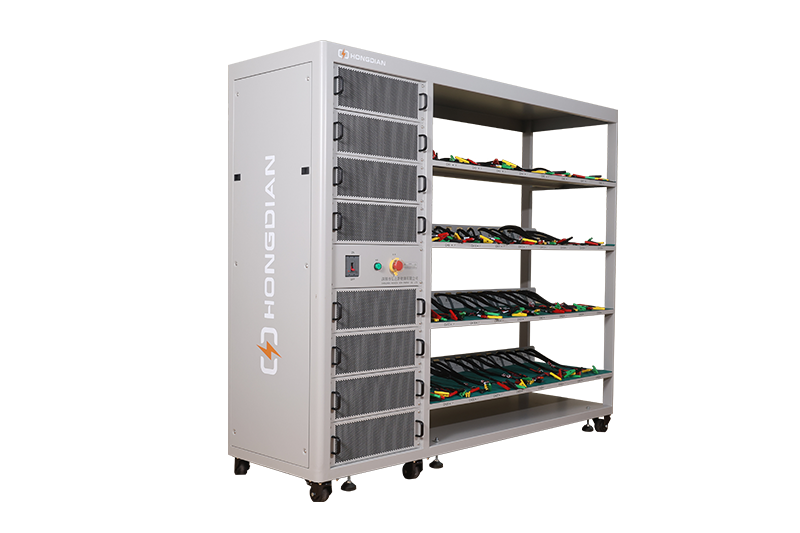 32/48 channel battery charging and discharging test integrated battery cabinet
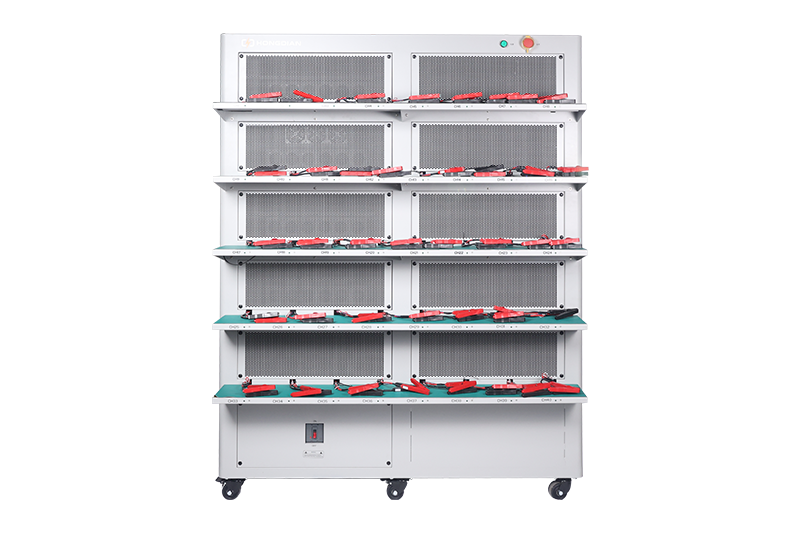 40 channel battery charging and discharging test integrated battery cabinet
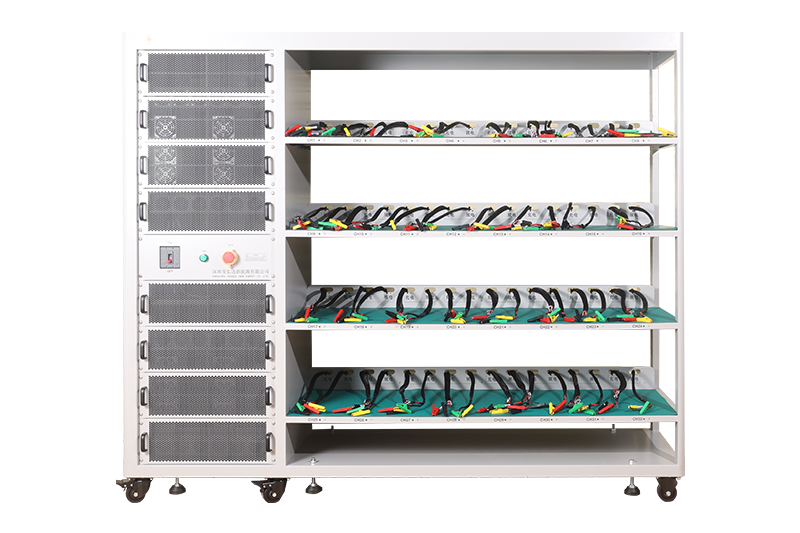 64 channel battery charging and discharging test integrated battery cabinet
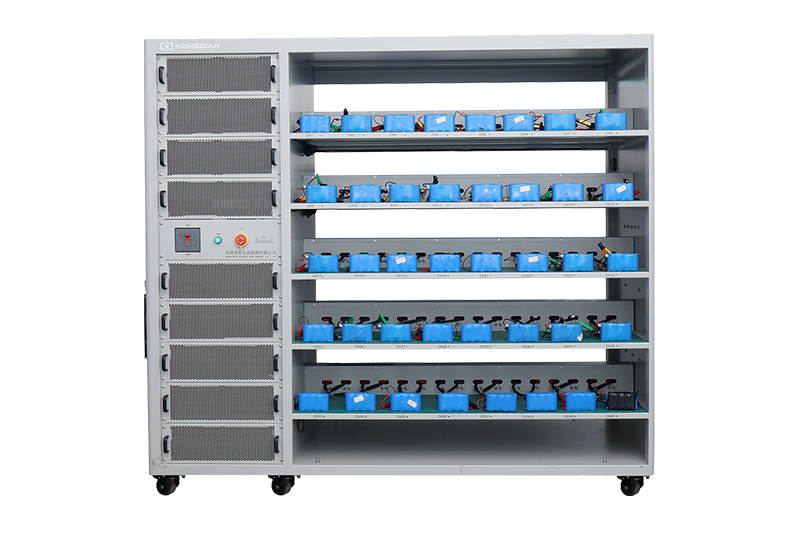 80 channel battery charging and discharging test integrated battery cabinet
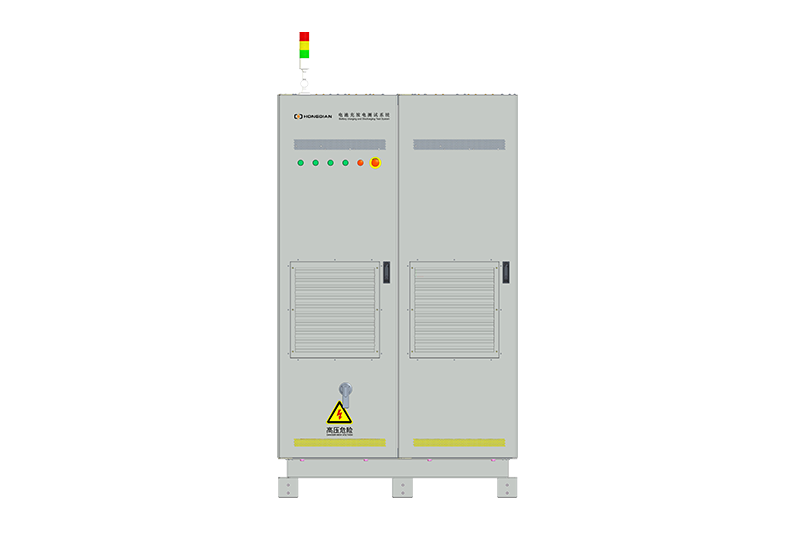 1000V-1500V High Voltage High Current Battery Testing System
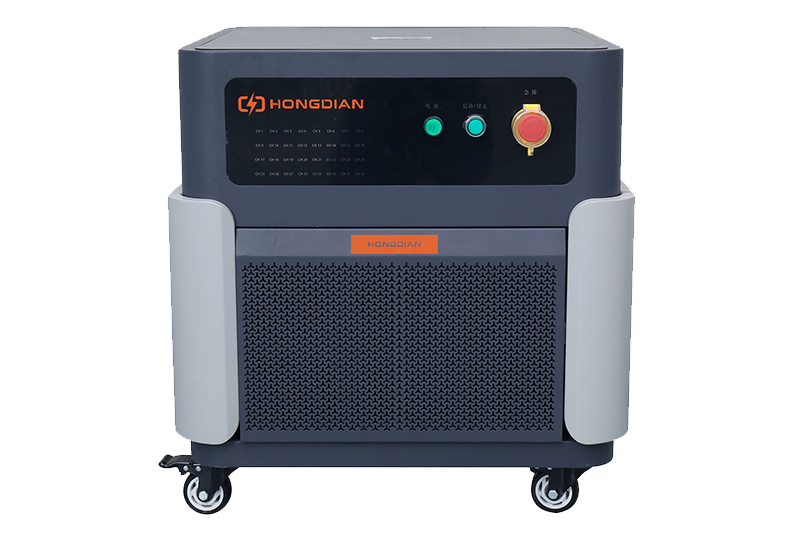 High-Precision Battery Testing System for Enhanced Performance Monitoring 30V/60V/100V/120V
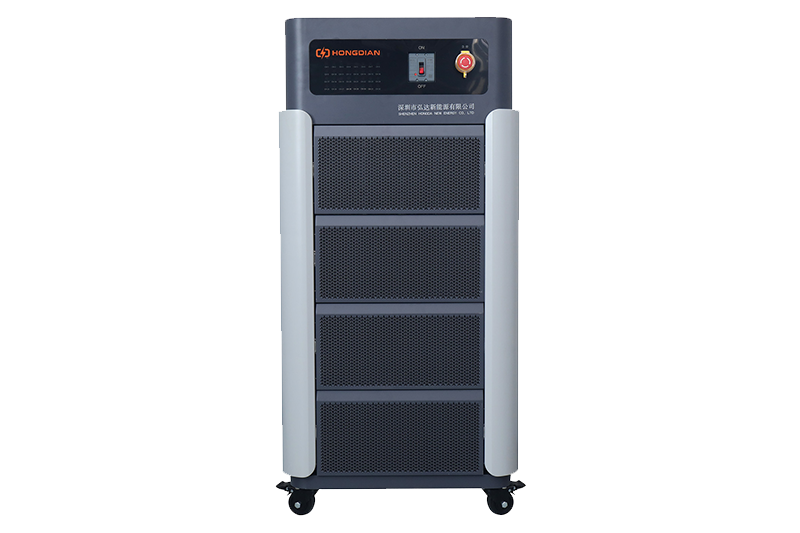 High-Precision Battery Charge Discharge Test Systems for EV Manufacturers
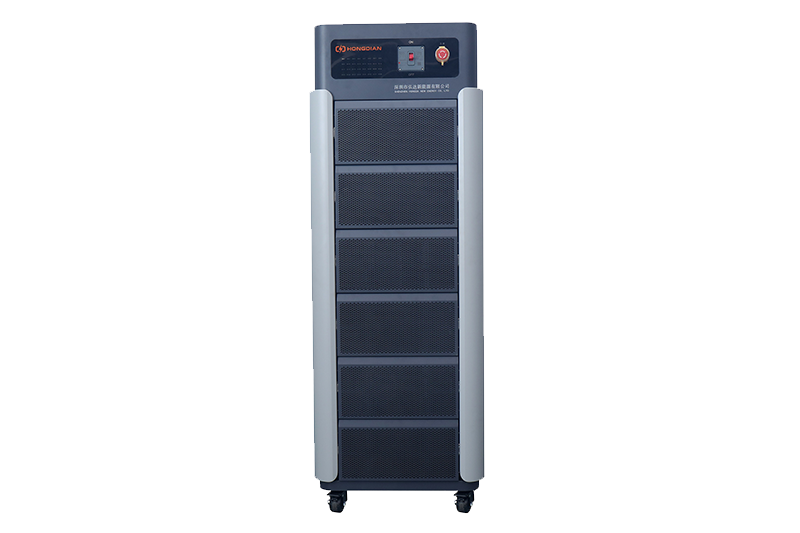 Precision Battery Test Racks for Cell Capacity & Internal Resistance Measurement
 Multi-Channel Battery Testing Equipment for Parallel Performance Analysis