How to Effectively Use an UPS Battery Analyzer for Optimal Performance
In today's fast-paced digital landscape, ensuring the reliability of power backup systems is paramount for businesses across various sectors. The UPS Battery Analyzer has emerged as a critical tool for assessing battery performance and longevity. According to a recent report by the International Data Corporation (IDC), "over 30% of organizations experienced downtime due to UPS battery failure in the past year," underscoring the need for effective battery maintenance and monitoring. The UPS Battery Analyzer not only aids in identifying potential issues before they escalate, but it also plays a vital role in optimizing overall UPS performance.
 Industry expert Dr. Emily Chen, a leading figure in power management technologies, emphasizes the importance of proactive maintenance. She states, "Using a UPS Battery Analyzer is essential for any organization wanting to avoid costly outages; it transforms reactive strategies into proactive solutions." By implementing regular assessments with a UPS Battery Analyzer, organizations can significantly extend the lifespan of their battery systems while ensuring uninterrupted power supply. This proactive approach to monitoring and managing UPS batteries places businesses in a stronger position to maintain productivity and efficiency in an increasingly reliant technological ecosystem.
Choosing the Right UPS Battery Analyzer for Your Needs
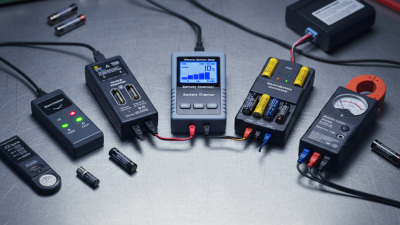
When selecting the right UPS battery analyzer for your needs, it's essential to consider several key factors. First, assess the type of UPS system you have and its battery specifications. Different analyzers cater to various battery chemistries, such as lead-acid or lithium-ion, which can significantly affect compatibility and performance metrics. Additionally, ensure that the analyzer supports the voltage and capacity ratings of your UPS, as this will guarantee accurate readings and analyses during your evaluations.
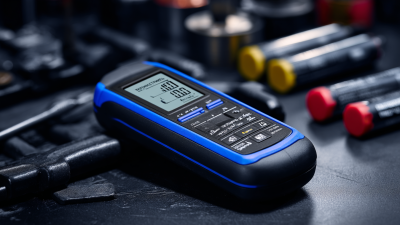
Another important aspect to consider is the features offered by the analyzer. Look for models that provide comprehensive diagnostics, including discharge testing, capacity measurement, and end-of-life predictions. Advanced models may also include connectivity features, allowing you to track performance metrics via software or apps. User-friendliness is crucial, so choose an analyzer with a clear display and intuitive interface, enabling you to efficiently interpret data and make informed decisions for optimal maintenance of your UPS batteries.
UPS Battery Analyzer Performance Comparison
This chart compares the battery health percentages of different UPS battery analyzers. Selecting the right analyzer can greatly influence the monitoring and maintenance of your UPS systems.
Key Features to Look for in a UPS Battery Analyzer
When selecting a UPS battery analyzer, understanding the key features that enhance its effectiveness is crucial for optimal performance. First and foremost, the analyzer should offer comprehensive diagnostic capabilities, allowing users to assess various battery health parameters such as state of charge, internal resistance, and discharge capacity. These features help in identifying potential issues before they escalate, ensuring that the UPS system remains reliable during critical operations.
Additionally, look for analyzers that provide clear and detailed reporting functionalities. A user-friendly interface that presents data in an easily understandable format—such as graphs and charts—can aid in making informed decisions about battery maintenance and replacement. Features like automated testing cycles and integration with monitoring systems can further streamline the management process, making it easier to track battery performance over time. Investing in a high-quality UPS battery analyzer with these essential features will significantly contribute to improved battery longevity and overall system efficiency.
Essential Tips for Accurate UPS Battery Testing
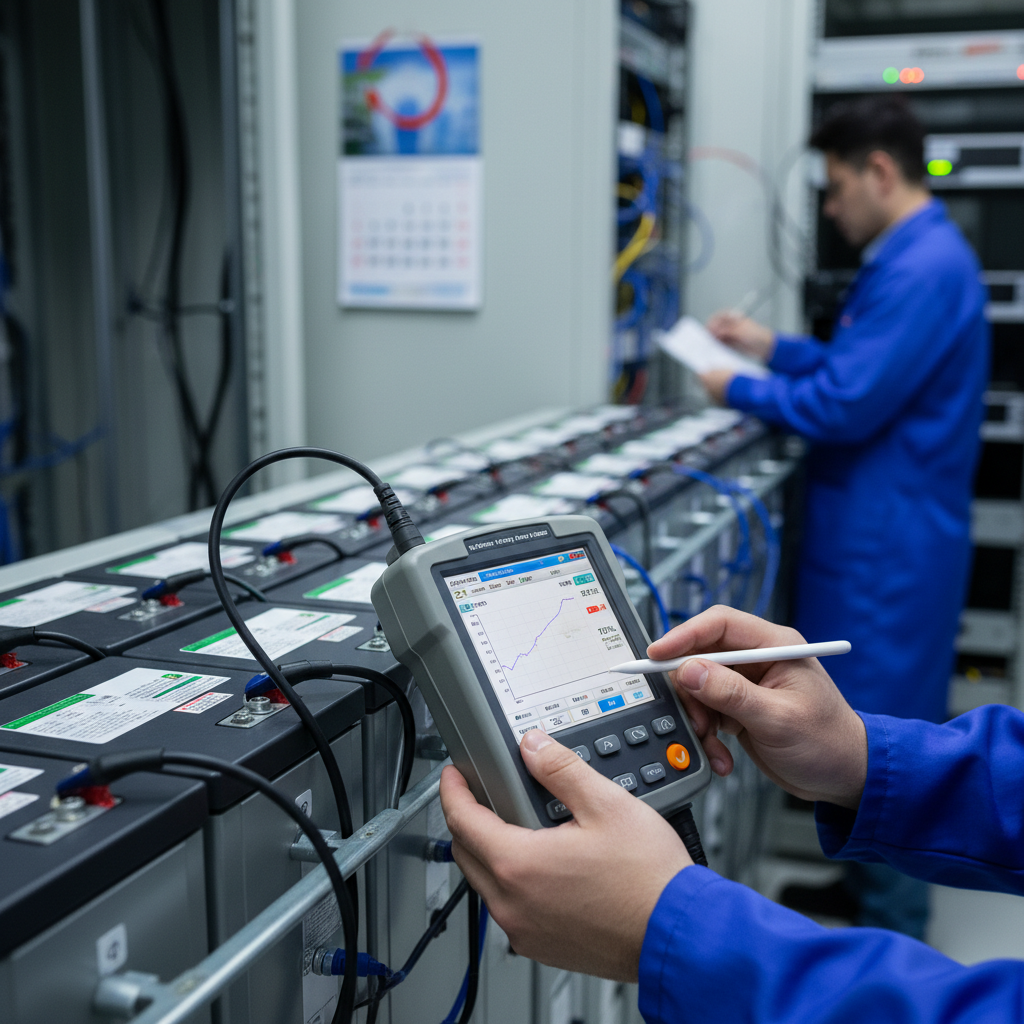
When it comes to accurately testing and maximizing the performance of an uninterruptible power supply (UPS), utilizing a UPS battery analyzer is essential. This tool helps in assessing the health of the battery, ensuring that the UPS operates efficiently during critical moments.
To ensure accurate UPS battery testing, here are some essential tips. First, always perform tests under optimal conditions. Ensure the battery is fully charged before running tests, as this provides a clearer picture of its performance attributes.
Second, regularly check the connections and terminals for any signs of corrosion or wear. Clean and maintain these areas to prevent false readings that may mislead your analysis.
Finally, document all your testing procedures and results meticulously. This not only helps in tracking performance over time but also aids in compliance with industry standards.
Incorporating these practices will enhance the reliability of your UPS systems and can significantly contribute to longevity and uninterrupted performance. The rise in the global UPS market underscores the need for advanced testing methodologies amid increasing demands on data center power infrastructures.
Common Mistakes to Avoid When Using a UPS Battery Analyzer
When operating a UPS battery analyzer, avoiding common pitfalls can significantly enhance battery performance and lifespan. One prevalent mistake is neglecting to calibrate the device regularly. According to a report by Liberty Power, over 30% of battery failures can be traced to improper calibration, which leads to inaccurate readings and unreliable performance assessments. Regular calibration ensures that the battery's health is genuinely reflected, allowing for timely maintenance or replacement.
Another frequent error is overlooking environmental factors that can affect battery performance. A study published by the Institute of Electrical and Electronics Engineers (IEEE) revealed that temperature fluctuations can lead to a decrease in battery efficiency by up to 50%. Users must ensure that the UPS and battery analyzer are kept in a controlled environment, ideally between 15-25 degrees Celsius. Furthermore, failing to properly connect the analyzer to the battery can lead to erroneous data, potentially costing organizations time and money. Proper connection protocols should always be followed to guarantee accurate diagnostics and prolong battery life.
Maximizing Battery Life: Maintenance Tips with UPS Analyzers
To maximize the lifespan of your UPS battery, regular maintenance is crucial. According to a report by the Battery University, proper management can extend battery life by up to 50%. One effective way to achieve this is by utilizing a UPS battery analyzer. This device provides critical insights into battery voltage, temperature, and overall health, allowing for timely maintenance and replacements.
Tip 1: Regularly monitor the battery's discharge time and compare it to the manufacturer's specifications. A significant drop in performance can indicate the need for maintenance or replacement.
Additionally, keeping your UPS system free from dust and ensuring that the environment is within the recommended temperature range can further enhance battery efficiency. The International Electrotechnical Commission suggests that operating temperatures above 25°C can shorten battery life significantly.
Tip 2: Clean your UPS system regularly and maintain ambient temperatures between 20°C and 25°C for optimal performance.
By adopting these maintenance practices and taking full advantage of a UPS battery analyzer, facilities can ensure their uninterrupted power supply system remains reliable and efficient for years to come.

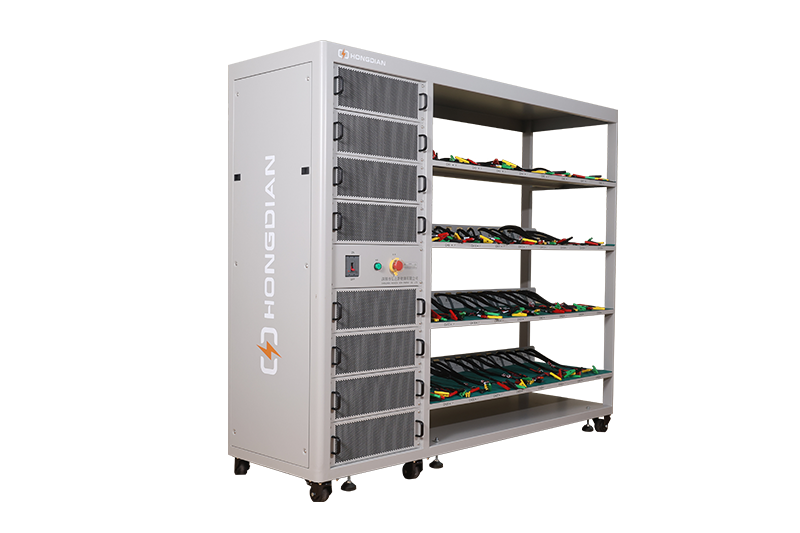 32/48 channel battery charging and discharging test integrated battery cabinet
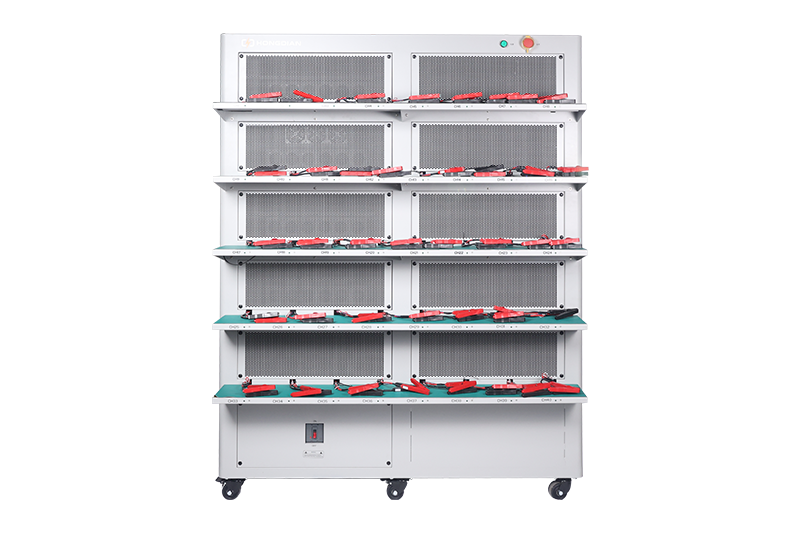 40 channel battery charging and discharging test integrated battery cabinet
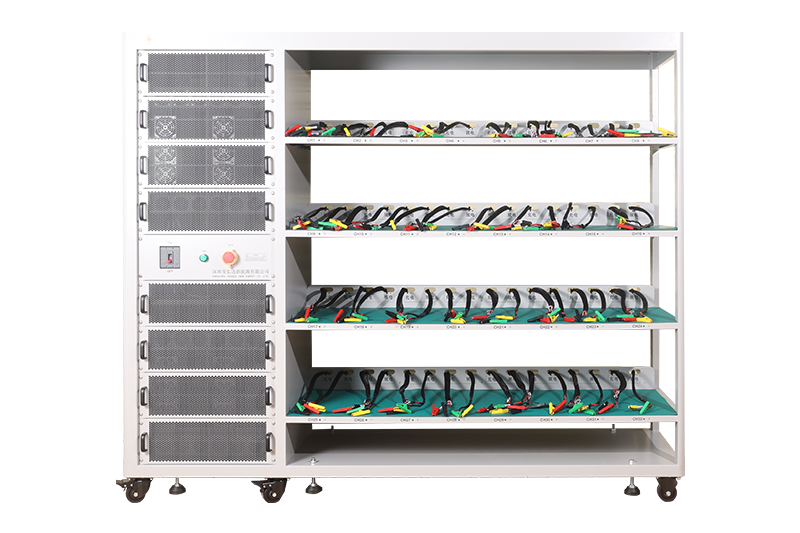 64 channel battery charging and discharging test integrated battery cabinet
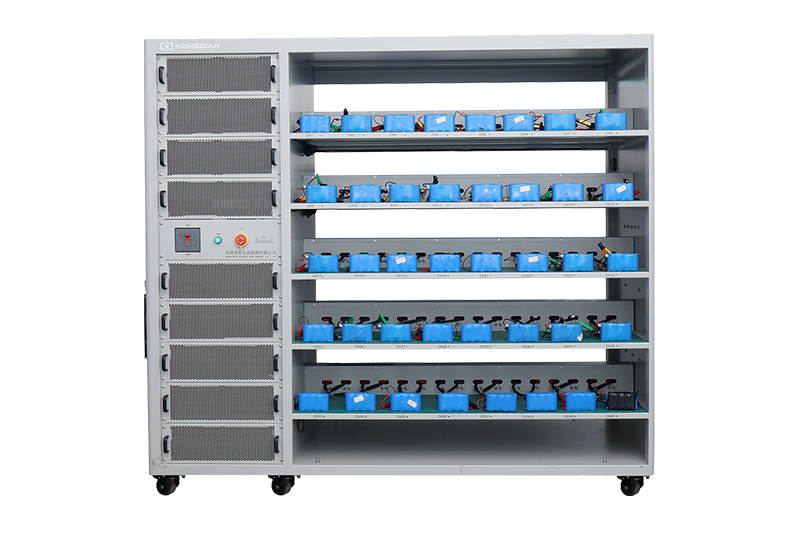 80 channel battery charging and discharging test integrated battery cabinet
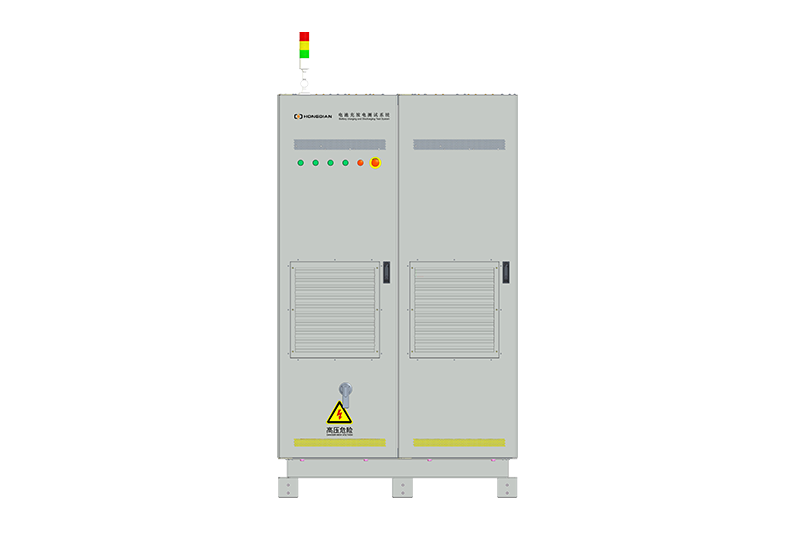 1000V-1500V High Voltage High Current Battery Testing System
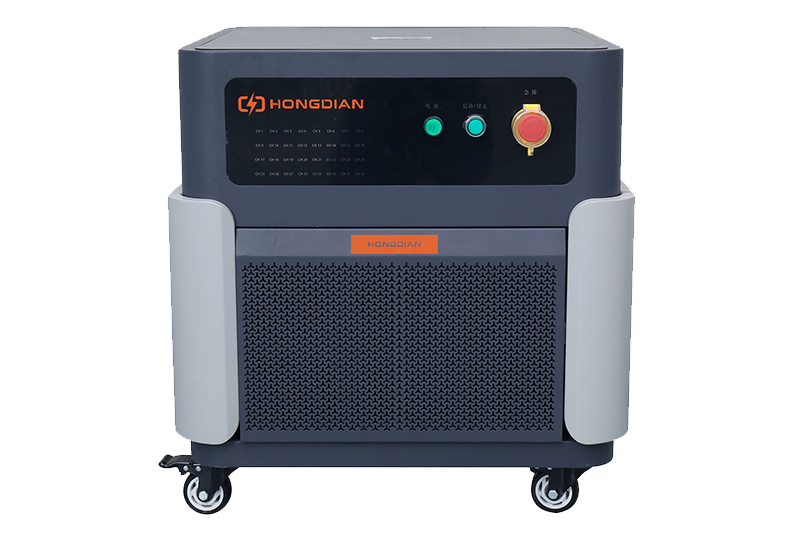 High-Precision Battery Testing System for Enhanced Performance Monitoring 30V/60V/100V/120V
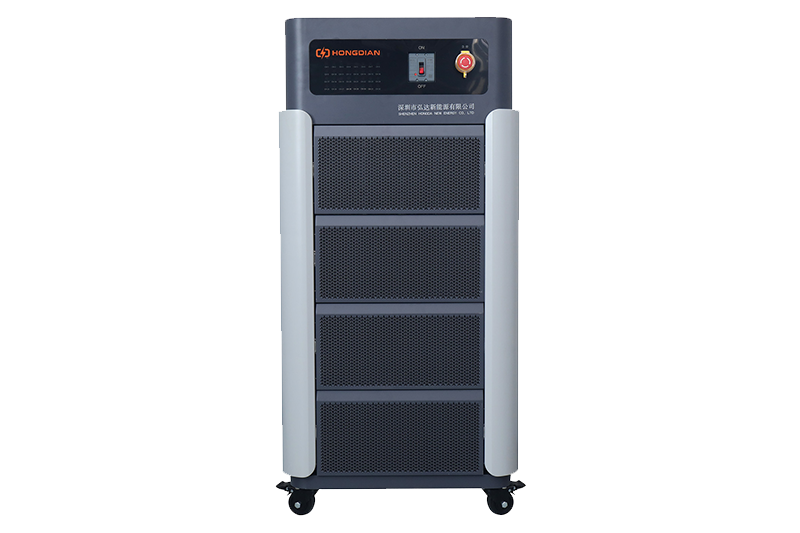 High-Precision Battery Charge Discharge Test Systems for EV Manufacturers
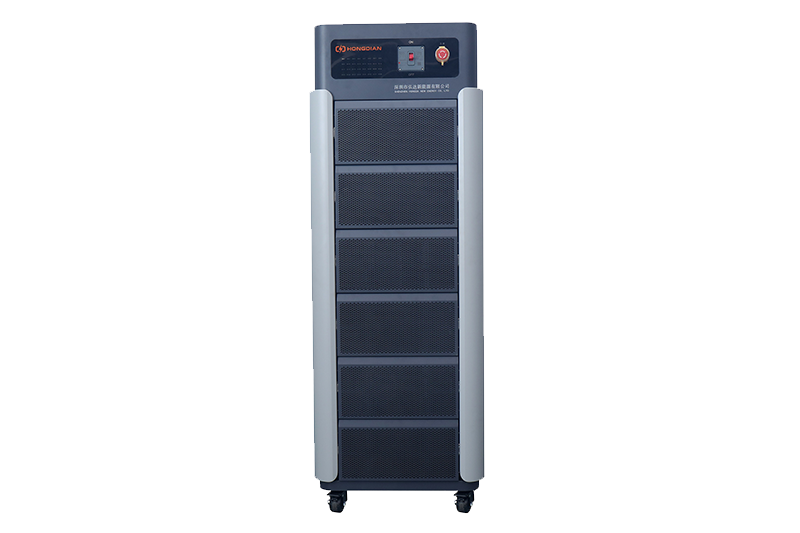 Precision Battery Test Racks for Cell Capacity & Internal Resistance Measurement
 Multi-Channel Battery Testing Equipment for Parallel Performance Analysis